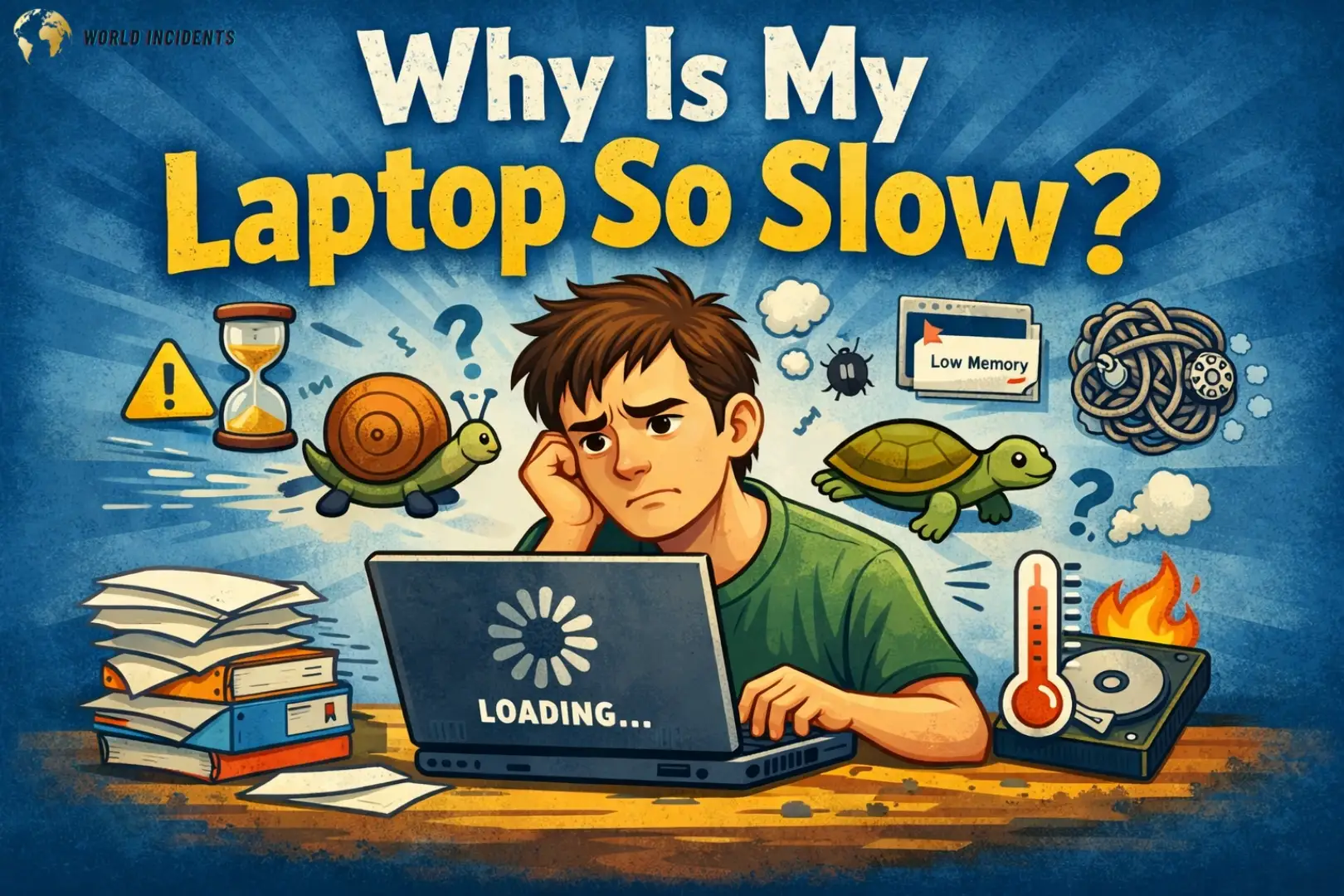
Why Is My Laptop So Why Is My Laptop So Slow?4 today’s fast-paced digital era, a sluggish laptop isn’t just a minor inconvenience—it’s a productivity killer. Whether you are a student finishing an assignment, a professional in a high-stakes Zoom meeting, or a gamer mid-match, the frustration of a lagging system is universal. You might find yourself asking, “Why is my laptop so slow?” even if you bought it just a couple of years ago.
The truth is, laptops are complex machines where hardware and software must work in perfect harmony. Over time, junk files, outdated drivers, or even physical dust c
an disrupt this balance. In this comprehensive guide, we will dive deep into the root causes of laptop lag and provide you with actionable, step-by-step solutions to restore your device to its former glory.
Too Many Startup Programs
One of the most common reasons behind the question, “Why is my laptop so slow?” is the sheer number of applications trying to launch the moment you press the power button. Apps like Spotify, Discord, and Steam often set themselves to start automatically, eating up resources before you even open a browser.
The Fix: Press Ctrl + Shift + Esc to open the Task Manager. Navigate to the Startup tab. Here, you will see a list of apps with their “Startup Impact.” Right-click and Disable any app that you don’t need immediately upon boot. This simple tweak can reduce your boot time by 50%.
Low RAM (Random Access Memory)
RAM is your laptop’s short-term memory. If you are a “tab hoarder” in Google Chrome or work with heavy software like Adobe Premiere or AutoCAD, your RAM can easily max out. When the RAM is full, the system starts using the “Page File” on your much slower hard drive, leading you to wonder, “Why is my laptop so slow?”
In 2026, 16GB of RAM is considered the standard for smooth multitasking. If your laptop allows it, consider a hardware upgrade. For a quick software fix, use the “Memory Saver” mode in modern browsers to hibernate unused tabs.
Your Hard Drive is Full or Fragmented
A general rule of thumb is to keep at least 15-20% of your storage space free. If your “C: Drive” is in the red zone, the operating system doesn’t have enough “breathing room” to create temporary swap files and cache.
HDD vs. SSD: If you are still using a traditional Hard Disk Drive (HDD), that is likely the primary answer to why is my laptop so slow. HDDs use spinning platters which are physically limited in speed. Moving to a Solid State Drive (SSD) is the single best investment you can make for an old laptop.
Pro Tip: For professional tech advice on hardware and finding compatible parts, you can visit Crucial Advisor to see what upgrades are best for your specific model. (Do-follow Link)
Overheating and Thermal Throttling
Laptops are compact, which means heat management is difficult. When dust clogs the cooling fans, the internal temperature rises. To prevent the components from melting, the system intentionally slows down the processor’s clock speed. This is known as Thermal Throttling. If your fans are spinning loudly but the laptop is crawling, this is why is my laptop so slow.
The Fix: Use a compressed air can to blow out dust from the vents. Avoid using your laptop on soft surfaces like beds or pillows. Using a cooling pad can also reduce temperatures by 5-10°C.
Power Plan Settings
Windows has several “Power Plans” to manage battery life. If your laptop is set to “Power Saver” mode, it limits the CPU speed to save energy. While great for travel, it’s terrible for performance.
The Fix: Click on the battery icon in your taskbar and slide the bar to “Best Performance.” If you are on Windows 11, go to Settings > System > Power & Battery and change the Power Mode to “Best Performance.”
Corrupted System Files
Sometimes, the Windows operating system itself gets corrupted due to sudden shutdowns or failed updates. This internal instability often results in the system hanging or being incredibly sluggish.
The Fix: You can use the built-in System File Checker. Open the Command Prompt as an administrator and type sfc /scannow. Windows will automatically find and repair corrupted files that might be the reason why is my laptop so slow.
Too Many Browser Extensions
We often forget how many “helpers” we’ve added to our browsers over the years. Ad-blockers, grammar checkers, and coupon finders all run as separate processes. If your laptop only feels slow while browsing, your browser extensions are likely the culprit.
Visual Effects and Animations
Modern operating systems love transparency effects, shadows, and smooth animations. While they look great, they require GPU and CPU cycles. On older hardware, this is a major reason why is my laptop so slow.
The Fix: 1. Search for “Adjust the appearance and performance of Windows” in the Start menu. 2. Select “Adjust for best performance.” 3. This will disable animations, making the UI feel snappy and instant.
Background Windows Updates
Windows 10 and 11 are notorious for downloading large updates in the background. This process uses your internet bandwidth and your disk’s “Read/Write” capacity simultaneously.
The Fix: Always check for updates manually before you start your work. Go to Settings > Windows Update and click “Check for updates.” By finishing the updates first, you prevent the system from slowing down later.
Malware and Background Miners
Sometimes the cause isn’t you—it’s an intruder. Malware or “Cryptojackers” can hide in your system, using your CPU power to mine cryptocurrency for someone else. If your CPU usage is at 100% even when no apps are open, this is likely why is my laptop so slow.
The Fix: Use a reputable tool like Malwarebytes to perform a deep scan. Ensure that your real-time protection is always turned on.
Technical Comparison: HDD vs. SSD (The Game Changer)
Understanding the hardware can help you solve the mystery of why is my laptop so slow.
Feature HDD (Old Technology) SSD (Modern Technology)
Speed 50-120 MB/s 500-7000 MB/s
Boot Time 45-90 Seconds 10-15 Seconds
Durability Vulnerable to drops Very Durable (No moving parts)
Noise Clicking/Spinning sounds Silent
Reliability Fails after 3-5 years Lasts much longer
Hidden Factors: Why is My Laptop So Slow in 2026?
Cloud Syncing Issues
Services like OneDrive, Google Drive, and Dropbox are constantly syncing files. If you have thousands of small files being synced, it can put a heavy load on your processor and disk. Try pausing synchronization during heavy work hours.
Browser Cache Overload
Your browser stores “cache” to load websites faster. However, when the cache grows to several gigabytes, it can have the opposite effect. Periodically clearing your browser history and cache is a simple answer to why is my laptop so slow.
Virtual Memory Misconfiguration
Windows uses “Virtual Memory” (VRAM) when it runs out of physical RAM. If this is manually set too low, your laptop will crash or lag. It is best to let Windows manage the paging file size automatically.
Detailed Step-by-Step Optimization Guide
Step 1: Disk Cleanup
Search for “Disk Cleanup” in the Start menu. Select your C: drive and check all boxes, including “Temporary Files” and “Recycle Bin.” This can often free up 5GB to 20GB of space instantly.
Step 2: Update BIOS/Firmware
Many users forget that the motherboard has its own software called BIOS. Manufacturers release updates that improve how the hardware communicates. Checking your manufacturer’s website (Dell, HP, Lenovo, ASUS) for a BIOS update can resolve deep-seated performance issues.
Step 3: Disable Search Indexing
If you don’t search for files often, you can disable the indexing service. This service constantly scans your files to make them searchable, which is a common reason why is my laptop so slow on budget devices.
Conclusion
Understanding why is my laptop so slow is the first step toward fixing it. More often than not, it’s a combination of cluttered software, unnecessary background processes, and aging hardware components like HDDs. By managing your startup apps, keeping your storage lean, and ensuring your cooling system is clean, you can significantly extend the life of your device. In 2026, staying updated with the latest software patches and having an SSD is no longer optional—it’s a necessity for a smooth digital life.
Read Also: https://worldincidents.com/future-of-ai-smartphones-2026/
https://worldincidents.com/5-best-budget-smartphones-to-buy-in-2026/
Share this update with your friends and others.

Mr. Udoy is a professional Web Developer and Blogger with 7+ years of experience in the tech world. He specializes in web architecture and digital storytelling. As the driving force behind worldincidents.com, he focuses on delivering high-quality, well-researched content to a global audience.