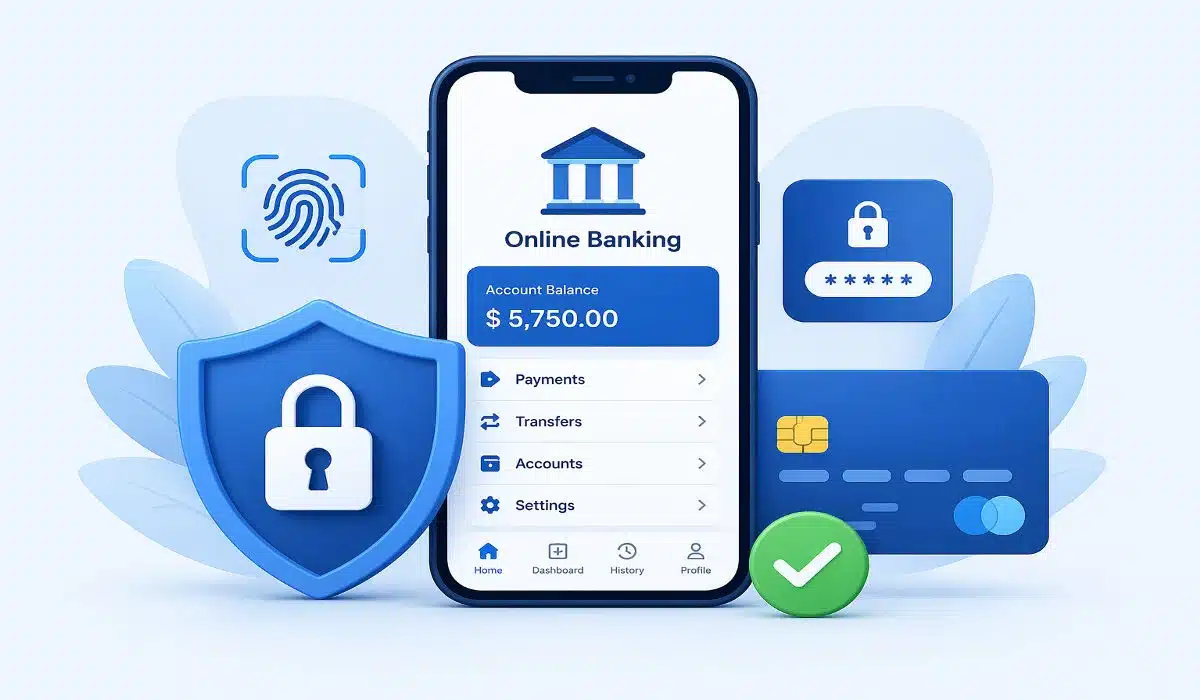
The Shift to Biometric Encryption
Traditional passwords are fast becoming obsolete. In 2026, digital banking security relies heavily on biometric encryption. Advanced systems now use 3D facial recognition and ultrasonic fingerprint scanning to verify identity. These methods are much harder for hackers to replicate compared to alphanumeric codes. Many banks have also introduced “Behavioral Biometrics,” which analyze how you hold your phone or your typing rhythm to detect if an unauthorized person is accessing your account.
Strengthening Multi-Factor Authentication (MFA)
Multi-factor authentication remains a cornerstone of digital banking security. However, the industry has moved away from vulnerable SMS-based OTPs (One-Time Passwords) due to “SIM swapping” risks. In 2026, the standard is hardware-based security keys or synchronized authenticator apps. These tools ensure that even if a hacker steals your login credentials, they cannot bypass the physical or encrypted second layer required to authorize a transaction.
AI-Powered Fraud Detection Systems
Banks are now utilizing real-time AI to monitor millions of transactions simultaneously. This leap in digital banking security allows systems to flag “out-of-character” spending immediately. For example, if a user in Dhaka suddenly has a high-value transaction initiated from an IP address in Eastern Europe, the AI can freeze the transaction and alert the user via an instant push notification, preventing loss before it even happens.
The Danger of Public Wi-Fi and VPN Solutions
One of the most common vulnerabilities in digital banking security is accessing financial apps over unsecured public Wi-Fi. Hackers often set up “Evil Twin” hotspots to intercept data. Experts in 2026 recommend using a dedicated Virtual Private Network (VPN) with military-grade encryption if you must bank on the go. A VPN creates a secure tunnel for your data, making it unreadable to anyone trying to “sniff” the network.
Recognizing “Vishing” and Advanced Phishing
As technical barriers increase, criminals often target the human element through “Vishing” (Voice Phishing). They use AI to mimic the voices of bank officials or relatives to trick users into revealing sensitive info. Maintaining high digital banking security awareness means never sharing your PIN or full CVV over the phone, regardless of how “official” the caller sounds. Remember: a legitimate bank will never ask for your secret credentials via a call or an unsolicited email link.
Secure App Management and Regular Updates
Your mobile device is the gateway to your wealth. Ensuring digital banking security starts with keeping your banking apps and phone operating system updated. These updates often contain critical “security patches” that fix newly discovered vulnerabilities. Additionally, only download banking apps from official stores like Google Play or the Apple App Store to avoid “sideloaded” malware designed to record your screen and steal login data.
Zero-Knowledge Proofs (ZKP) for Privacy
In 2026, many fintech platforms have integrated Zero-Knowledge Proofs into their digital banking security protocols. ZKP is a cryptographic method that allows you to prove your identity or provide a transaction authorization without actually revealing the underlying sensitive data (like your full account number or date of birth). This ensures that even if a bank’s server is breached, the hackers find no usable personal information, significantly reducing the risk of identity theft.
The Implementation of Virtual Card Numbers
One of the most effective ways to boost digital banking security for online shopping is the use of virtual card numbers. Instead of using your physical card details, your banking app generates a temporary, one-time-use card number for specific transactions. This “tokenization” means that if a merchant’s website is compromised, the stolen card data is useless because it has already expired or was only authorized for a specific dollar amount.
Real-Time Geofencing for Transactions
Advanced digital banking security features now allow users to set up “Geofencing” via their mobile GPS. You can instruct your bank to only authorize transactions that occur within a specific radius of your smartphone. If a withdrawal is attempted at an ATM in a different city while your phone is in Dhaka, the transaction is automatically blocked. This creates a physical link between your location and your financial access.
Protecting Against “Screen Scraper” Malware
As mobile banking grows, so does the threat of “Screen Scraper” malware, which records your screen while you type in PINs. High-level digital banking security apps now feature “Overlay Protection.” This technology detects when another app is trying to “sit on top” of your banking interface or record the screen, and it will immediately black out the display or shut down the session to protect your keystrokes from being captured.
Cold Storage for Long-Term Savings
For users with significant digital assets or cryptocurrency integrated into their banking apps, “Cold Storage” has become a vital part of digital banking security. This involves keeping a portion of your funds in an offline environment that is not connected to the internet. By moving long-term savings into a “Vault” that requires a 24-hour cooling-off period or a physical hardware key to unlock, you ensure that even a total compromise of your phone won’t lead to a total loss of wealth.
Zero-Trust Architecture in Banking Apps
The “Zero-Trust” model is the gold standard of digital banking security in 2026. Under this architecture, the banking app assumes that the network is already compromised. It constantly re-verifies your identity during a single session. For example, you might login with a face scan, but the app will ask for a quick fingerprint or a voice prompt before allowing a high-value wire transfer. This “continuous authentication” ensures that a session isn’t hijacked after the initial login.
FAQ
Q1: Is it safe to save my banking password in my browser?
Ans: It is generally discouraged. Use a dedicated, encrypted password manager instead. Browsers are frequent targets for malware that specifically looks for saved financial credentials.
Q2: What should I do if I lose my phone with my banking app?
Ans: Contact your bank immediately to deactivate the digital tokens associated with that device. Most modern smartphones also allow you to “Remote Wipe” your data via your Google or Apple account to protect your digital banking security.
Q3: Does 2FA make me 100% safe?
Ans: While it significantly increases safety, no system is 100% foolproof. Always combine 2FA with cautious browsing habits and regular account monitoring to maintain total digital banking security.
read more: Why Soft Skills for Leadership are the New Corporate Currency
Top Entry Level Remote Jobs to Launch Your Career Today

Mr. Udoy is a professional Web Developer and Blogger with 7+ years of experience in the tech world. He specializes in web architecture and digital storytelling. As the driving force behind worldincidents.com, he focuses on delivering high-quality, well-researched content to a global audience.