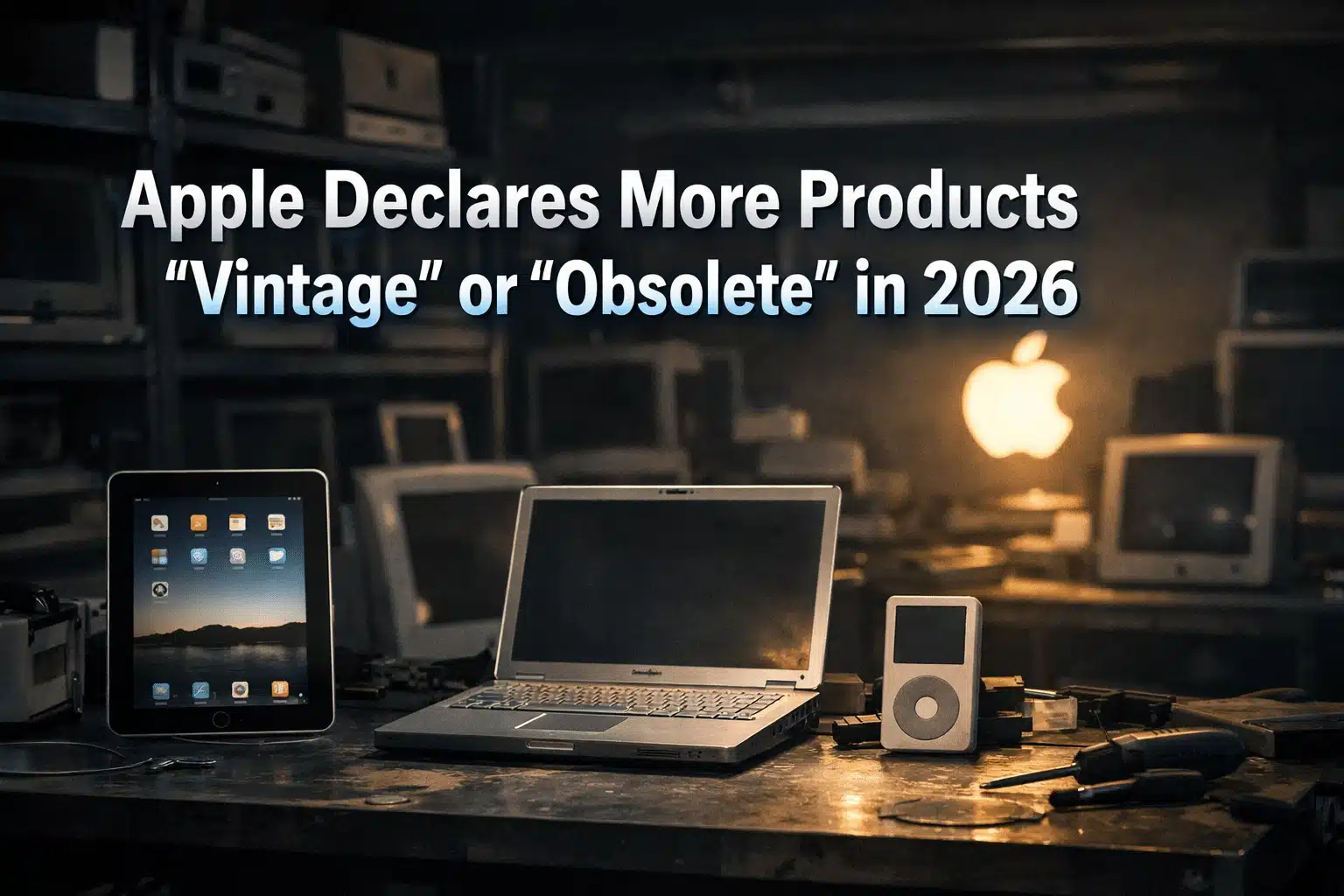
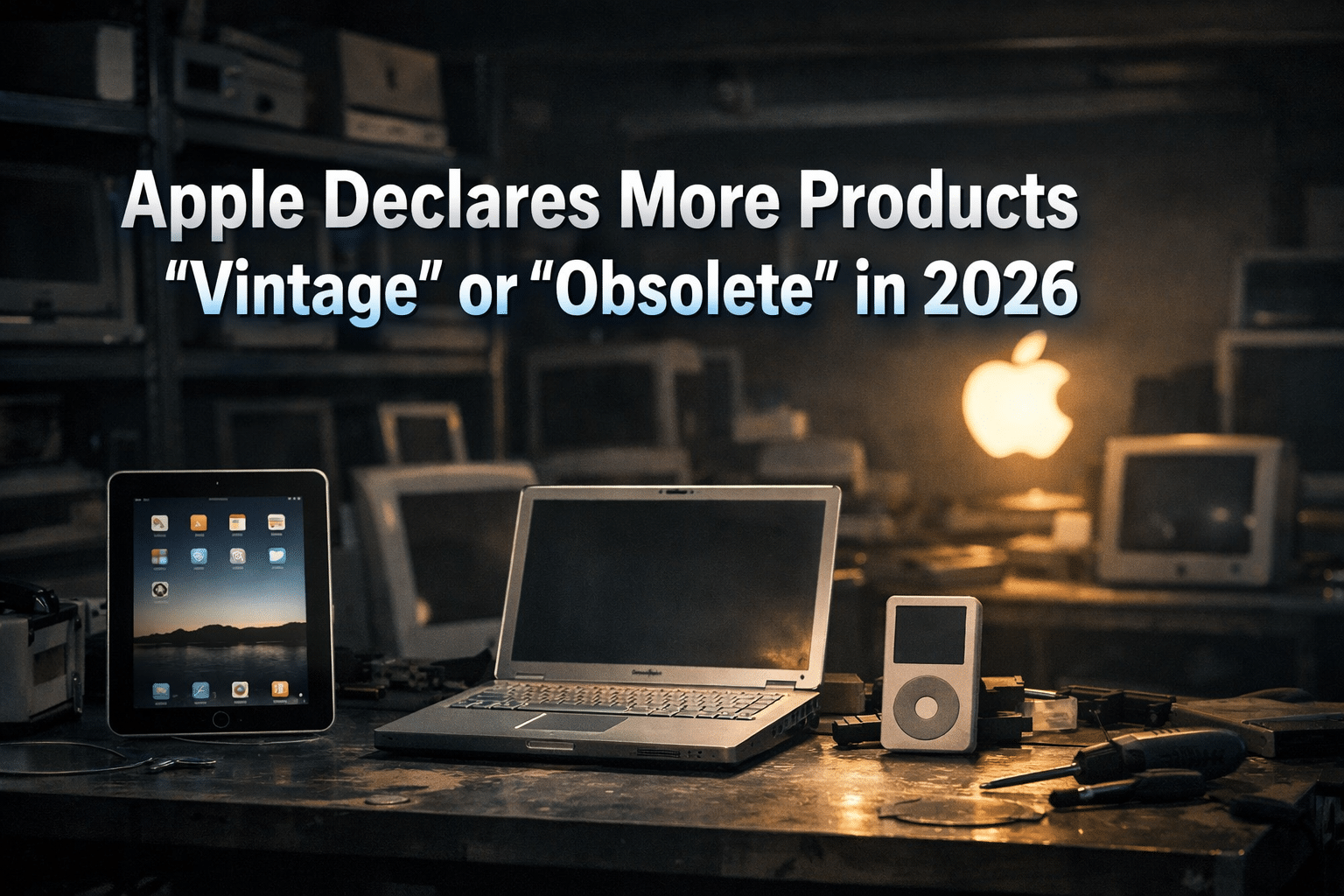
The tech landscape is shifting rapidly in 2026, and as part of its seasonal hardware lifecycle adjustment, Apple has officially expanded its list of vintage and obsolete products. This update is a crucial turning point for millions of users worldwide, particularly those holding onto older Apple iPad models, MacBooks, and wearables. When a device enters these categories, it fundamentally changes the owner’s relationship with official service centers and part availability.
In this in-depth look, we’ll explore what these changes mean for you, which specific devices are affected this year, and how you can prepare for the inevitable end of official support.
The Anatomy of Apple’s Product Lifecycle
Apple manages its massive ecosystem by categorizing older hardware based on its “last distribution date.” This isn’t necessarily when the product was launched, but when Apple officially stopped selling it through their own channels.
1. The ‘Vintage’ Phase: The Warning Bell
A product is designated as vintage once it has been out of the sales cycle for more than five years but less than seven.
The Reality of Repairs: For a vintage Apple iPad or iPhone, Apple still offers repairs, but with a massive catch: “Subject to parts availability.” If a specific logic board or display is no longer in the warehouse, the genius bar will politely decline the repair.
Why it matters: This is the “safe zone” for proactive maintenance. If your battery health is dipping, this is your last chance to get an official replacement.
2. The ‘Obsolete’ Phase: The End of the Road
Once a device hits the seven-year mark since its last sale, it is declared obsolete.
Zero Official Support: At this stage, the curtains close. Apple will not perform any hardware repairs, and Authorized Service Providers cannot even order the parts if they wanted to.
The Software Gap: Obsolete devices are almost always several versions behind on iPadOS or macOS, meaning they miss out on critical security patches and modern app features.
Which Devices Joined the List in April 2026?
As of April 10, 2026, Apple’s internal service database has been refreshed. Here are the notable additions:
The iPad Transition
The iPad (3rd Generation) and early variants of the iPad Mini that remained in stock through late 2018 have officially transitioned to Obsolete. These devices were workhorses for casual browsing and education, but their internal architecture can no longer keep up with the demands of modern web standards.
MacBook Pro & Air (Intel Era)
Selected MacBook models from the 2018-2019 era—the last of the pure Intel-based machines before the M-series revolution—are now entering the Vintage category. While these laptops remain powerful enough for office work, their aging thermal designs and butterfly keyboards are becoming harder to service officially.
Wearables and Accessories
The Apple Watch Series 6 is now appearing on the vintage radar. Given the intense daily usage of wearables, the depletion of official battery stocks for these models is a significant concern for long-term users.
Navigating Repair Hurdles: What are your options?
When the Apple Store says “No,” you don’t necessarily have to throw your device away. The independent repair market is more robust than ever in 2026.
Independent Specialists: Many shops in regions like Bangladesh (e.g., Dhaka’s multiplan centers) specialize in sourcing high-quality OEM parts from “donor” devices. For an obsolete Apple iPad, this is often the only way to fix a cracked screen or a dead charging port.
The DIY Movement: Organizations like iFixit have made it easier for tech-savvy users to buy repair kits. However, be warned: Apple’s internal designs are notoriously complex, and a DIY attempt on a vintage device can often lead to further damage without the right tools.
Third-Party Batteries: While not “official,” many reputable third-party manufacturers produce batteries for older iPads. This can give an obsolete device another 2-3 years of life as a dedicated media player or e-reader.
The Broader Impact: Sustainability and Economy
This lifecycle shift brings two major issues to the forefront:
The E-Waste Challenge
Every time a tablet becomes obsolete, the risk of it becoming electronic waste increases. Apple’s Trade-In and Recycling program is designed to combat this. Even if a device has $0 market value, Apple will dismantle it using their “Daisy” and “Dave” robots to recover rare earth minerals, ensuring a more circular economy.
Planning Your Next Purchase
For consumers, this news is a reminder to look at the “support window” before buying. Buying a second-hand Apple iPad that is already five years old might seem like a bargain, but you are essentially buying a device that is months away from losing official repair support.
Frequently Asked Questions (FAQ)
Q: Can I still use my banking apps on an obsolete iPad? A: It’s risky. As the OS stops receiving security updates, banking and high-security apps eventually stop supporting older versions of iPadOS to protect user data.
Q: Does Apple notify me when my device becomes vintage? A: No. Apple silently updates its Official Support Page. It is up to the user to monitor their device’s status.
Q: Is it worth fixing a vintage device? A: Only if the cost of repair is significantly lower than the resale value. For a battery swap, yes. For a logic board replacement, you are usually better off putting that money toward a new M3 or M4 powered device.
Conclusion
Apple’s 2026 update highlights the inevitable reality of the tech world: hardware has a shelf life. Whether you own a newly vintage MacBook or an obsolete Apple iPad, the key is to be proactive. Back up your data to iCloud or an external drive today, and start evaluating whether your device still meets your security and performance needs.
If your tech has reached its final chapter, remember to recycle it responsibly to help build a more sustainable future for the next generation of gadgets.
Read Also: 100% Recyclable Smartphone: The Future of Sustainable Tech

Md. Kazi Bijoy is a dedicated tech enthusiast and content creator with a passion for digital innovation. With years of experience in the tech industry, he specializes in breaking down complex topics into easy-to-understand guides. When he isn’t writing, he explores the latest gadgets and researches emerging trends in the digital world.